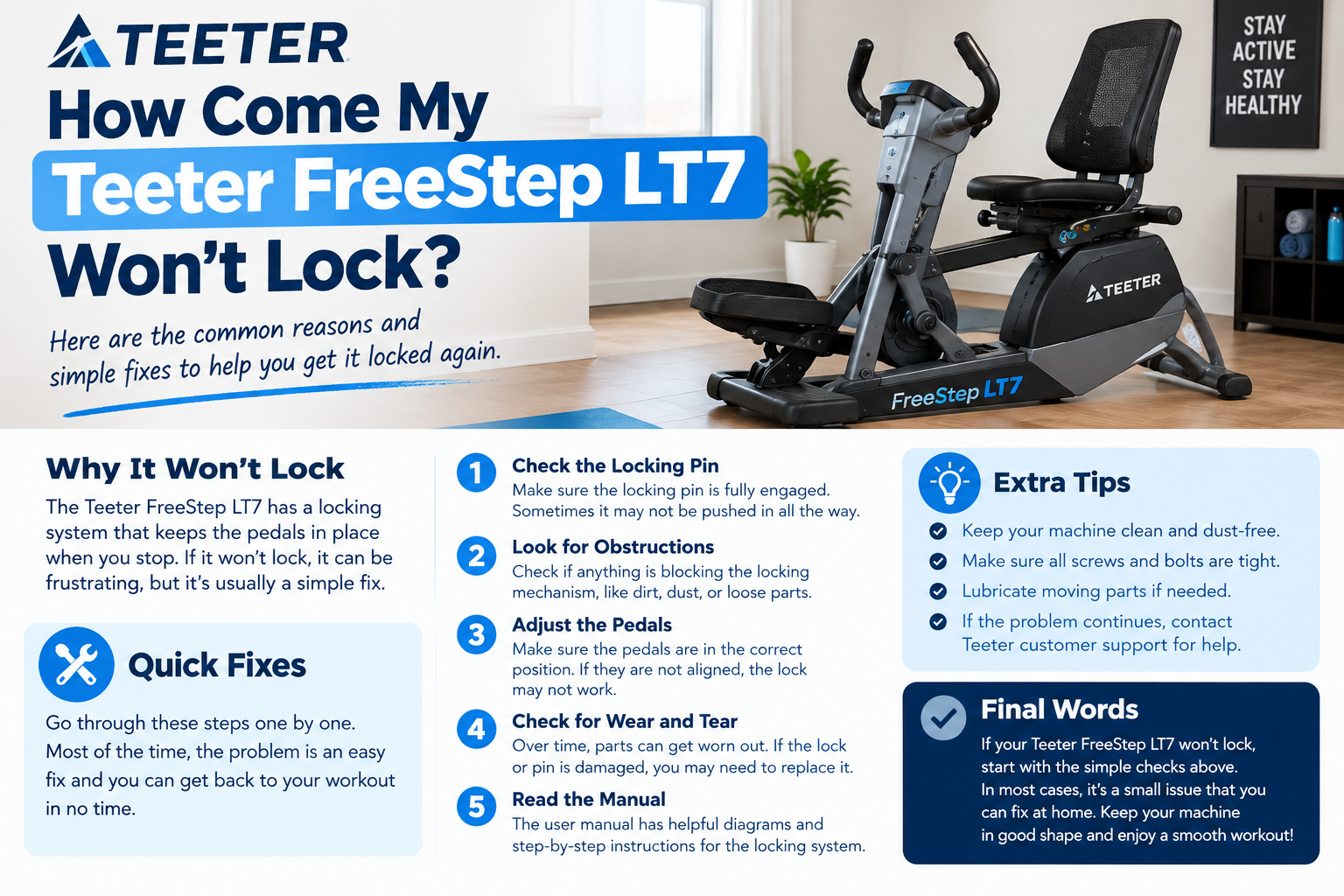
How Come My Teeter FreeStep LT7 Won’t Lock
How Come My Teeter FreeStep LT7 Won’t Lock
If your Teeter FreeStep LT7 won’t lock there may be a simple reason. The LT7 has a Step Lock feature that locks both the handles and pedals to make getting on and off the machine easier. Here are some easy things you can check.
1. Make Sure the LT7 Has Power
The Step Lock on the LT7 needs power to work. Make sure the power adapter is properly connected and the console turns on. Teeter confirms that the LT7 requires a power source for its LCD console and Step Lock.
2. Press the Step Lock Button
The Step Lock is controlled from the console. Press the Lock button and give the machine a moment to respond.
For certain procedures Teeter’s LT7 guide says to press and hold the Lock button for 5 seconds to engage the Step Lock.
3. Check the Power Connection
Look at the power cable and adapter. Make sure:
The adapter is connected firmly.
The cable is not loose.
The power source is working.
The console is turning on normally.
If the console has no power the Step Lock will not operate
4. Check for Anything Blocking the Mechanism
Look around the pedals and moving parts for anything that could stop the mechanism from working properly. Do not force the pedals or handles into the locked position.
If you notice a damaged or loose part stop using the machine until the problem is checked.
5. Check the User Guide
The LT7 comes with assembly and use instructions and Teeter also provides an online LT7 user guide and support resources.Following the correct locking steps can help prevent problems caused by incorrect setup.
6. Update the LT7 Console
If the machine has power but the Step Lock still does not work check whether the LT7 console software needs an update. Teeter provides a Teeter Console Update app for checking and updating the LT7 console. When Should You Contact Teeter?
If the Step Lock still does not work after checking the power button and setup it is better to contact Teeter support instead of trying to repair the internal mechanism yourself.
Teeter lists customer support at (800) 847-0143 and provides online support resources.
Final Words
If your Teeter FreeStep LT7 won’t lock first check the power connection and make sure the console is working. Then try the Step Lock button and check the user guide. If the problem continues contact Teeter support for help.
The Step Lock is designed mainly for stability when getting on and off the machine not for locking the handles and pedals separately during exercise.
SEO Keywords: Teeter FreeStep LT7 won’t lock how to lock Teeter FreeStep LT7 FreeStep LT7 Step Lock Teeter LT7 troubleshooting Teeter FreeStep problem SEO meta description hai:
Learn why your Teeter FreeStep LT7 won’t lock and discover simple steps to check the power, Step Lock button, and other common problems.










Post Comment